How To Log In To Your Edify Client Portal
Learn how to log in to your Edify Client Portal quickly and securely
Go to securescreening.net
1. Introduction
This guide walks you through each step to access your account with confidence.
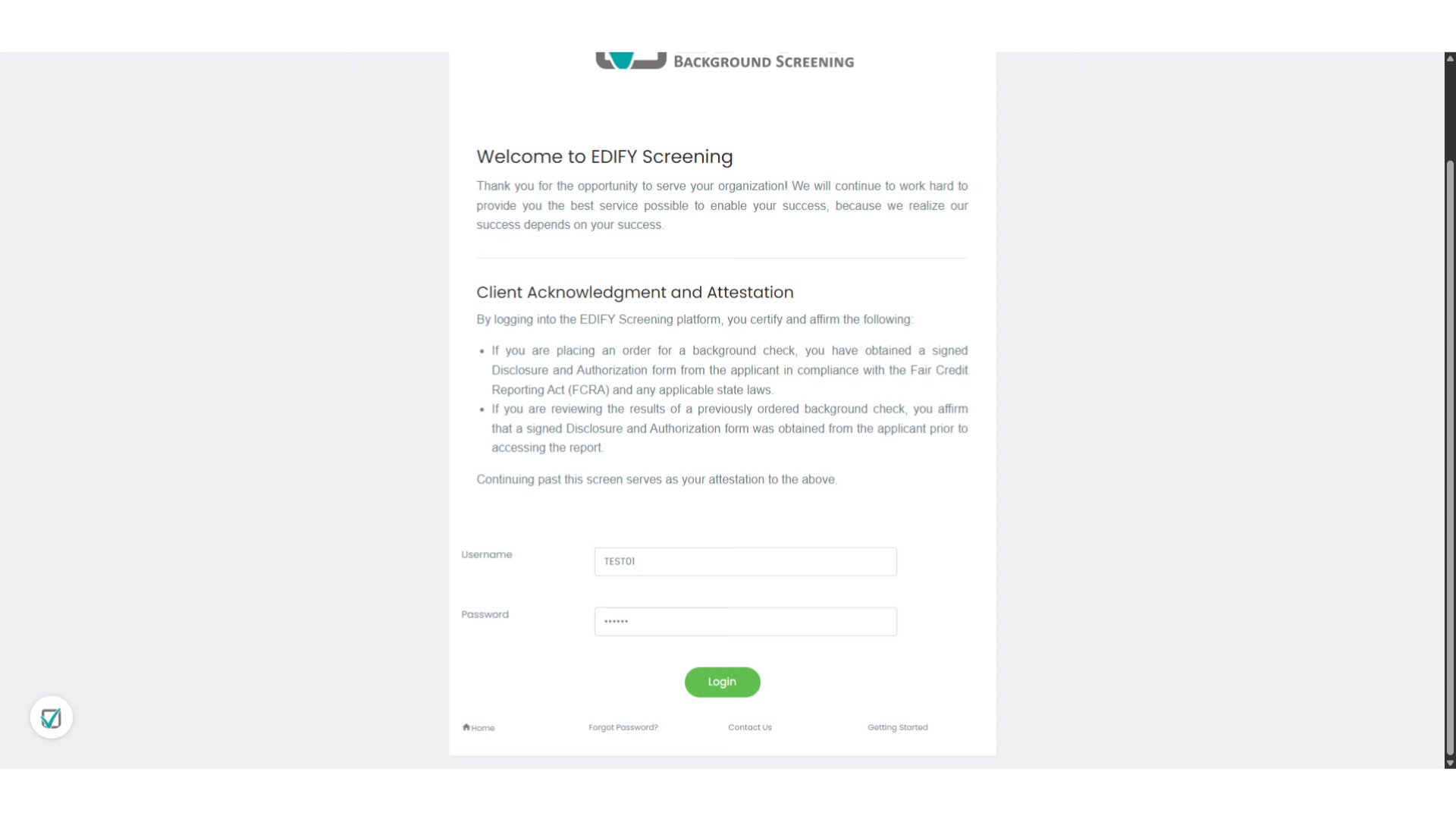
2. Enter User ID
Enter your user ID here. Note that your User ID is different from your username.
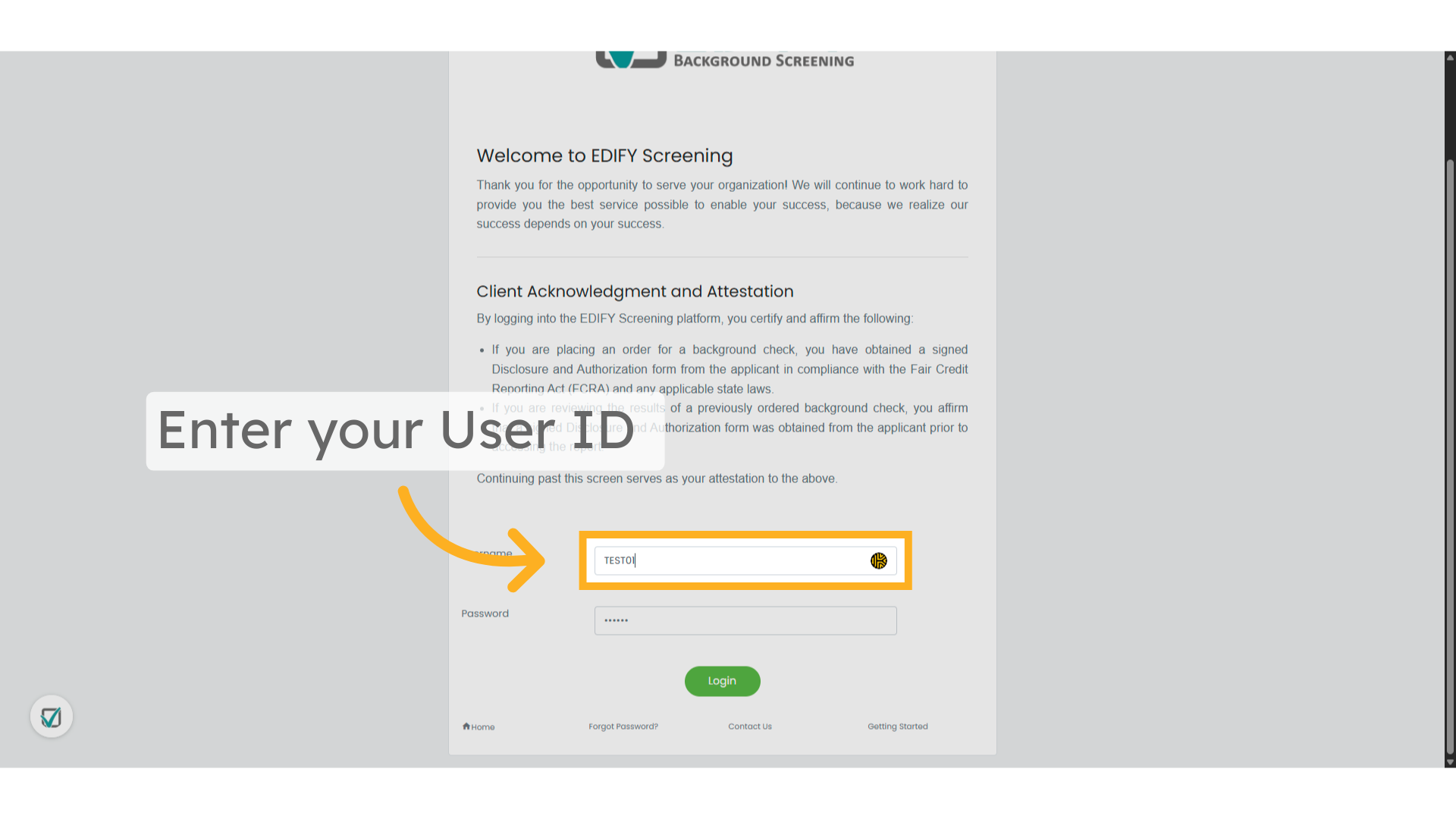
3. Enter password
Enter your secure password carefully to authenticate your identity.
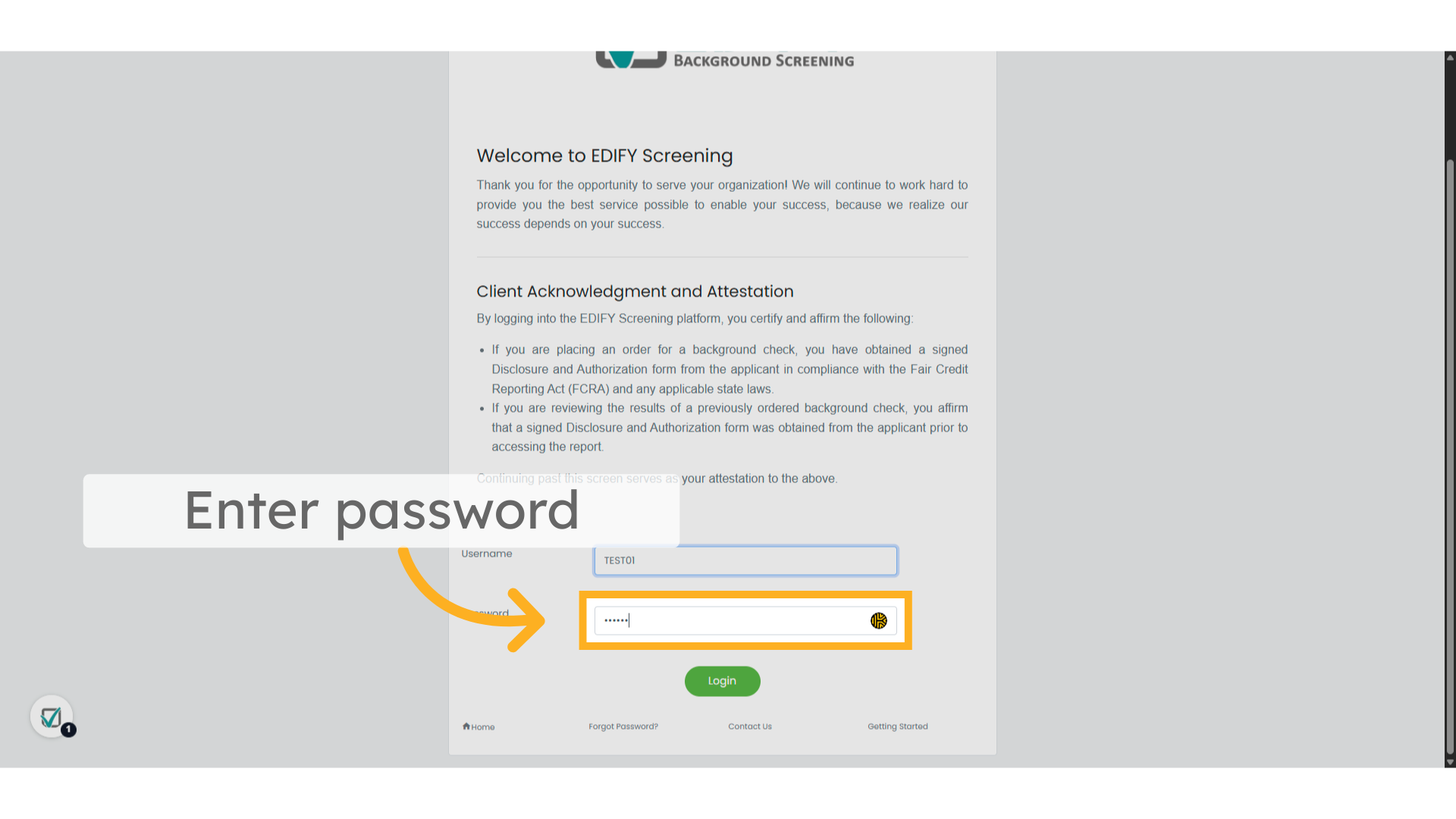
4. Click "Login"
After confirming your credentials, click the login button to access your Edify Client Portal.
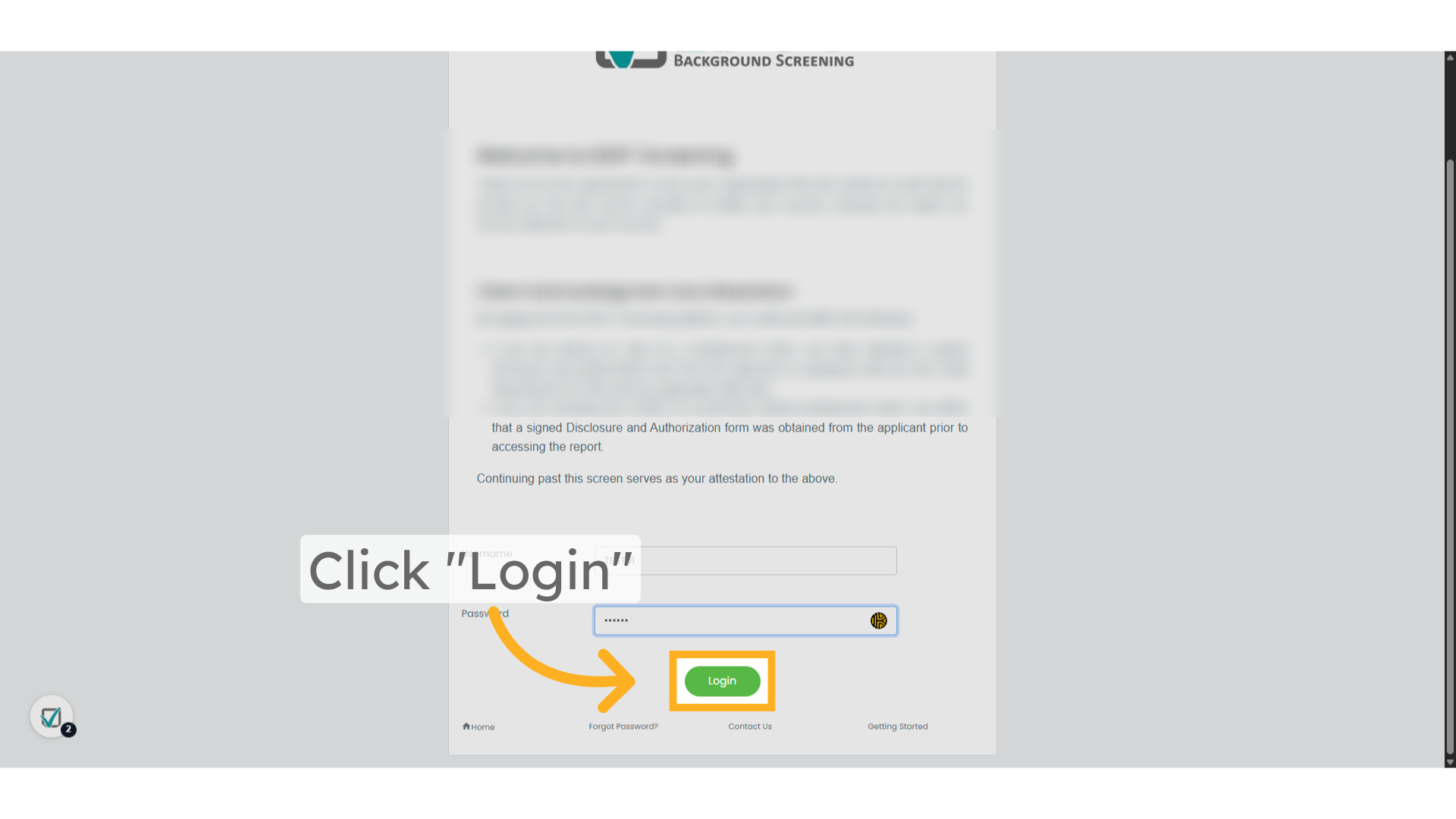
This guide covered the essential steps to log in to your Edify Client Portal, including selecting your profile, entering your password, and confirming your login credentials.
Disclaimer: The information provided in this article is intended for general informational purposes only and does not constitute legal advice, regulatory guidance, or a substitute for professional consultation. Any templates, sample forms, or example materials included are offered solely as illustrative resources. Clients are strongly encouraged to consult qualified legal counsel before using any such materials to ensure compliance with all applicable laws and regulations in their specific jurisdiction and for their intended use. Users are solely responsible for verifying the accuracy, relevance, and appropriateness of the information provided. Edify Background Screening makes no warranties or guarantees regarding the completeness, legal sufficiency, or suitability of this content for any particular purpose.
Related Articles
How to Log In and Pay Your Invoice
? How to Log In and Pay Your Invoice This article will guide you through the steps to log into your Edify account and pay your invoice online quickly and securely. ? Step 1: Log in to Your Account Visit the Edify client ...